Find a coworker
- Select Requests, then Directory.
-
Type a name in the search box (1) and select Search. To see one team, pick it under All departments (2).
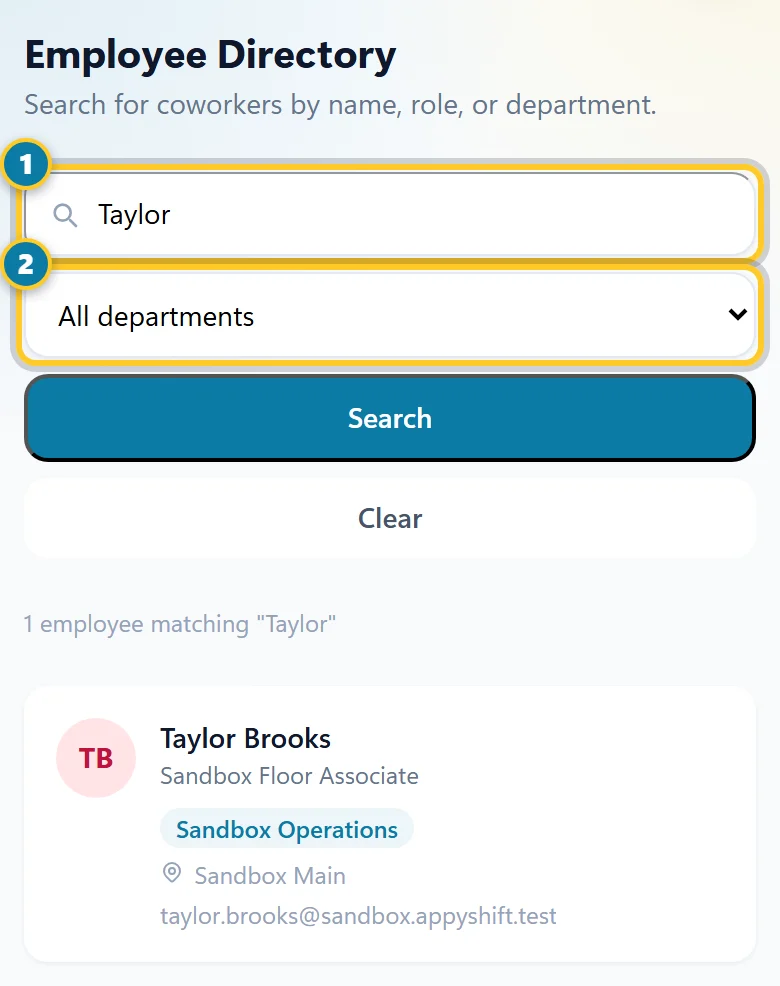
Search by name (1), or pick a department (2). - Each coworker shows their job, department, where they work and their work email. Select the email to write to them.
Select Clear to see everyone again. The directory only lists active coworkers at your company.