Scheduling & callout coverage for shift-based teams

When someone calls out,
coverage shouldn't stall

AppyShift helps managers publish schedules, fill callouts, track time, and keep shift teams updated from one simple workspace.

No credit card required 14-day free trial Human support within 48 hours, most replies under 24 Cancel in billing settings
🔒 app.appyshift.com/schedule
Weekly Schedule Apr 14 – Apr 20, 2025
← Prev This week Next →
Employee MonTueWedThuFri
JJ. Rivera 8–4pm 8–4pm 8–4pm 8–4pm
!M. Chen 9–5pm 9–5pm Open
SS. Park 7–3pm 7–3pm 7–3pm 7–3pm
KK. Larson 10–6pm 10–6pm 10–6pm 10–6pm
M. Chen called out — Thursday shift uncovered
2 eligible employees available · Shift reopened for pickup
Notify staff →
14-dayFree trial
Fast startContinue to full signup
No cardRequired to start
Shift-firstBuilt for hourly teams
Built for shift teams

Scheduling support shaped for your industry

Restaurants, retailers, hotels, cleaning crews, warehouses, and other hourly teams can start from the same simple trial signup.

Restaurant Coffee Shop Day Care Retail Store Hotel / Hospitality Janitorial / Cleaning Security Services Warehouse / Fulfillment
How it works

From callout to coverage response without the scramble

Missed shifts don't have to turn into a manual phone chain. AppyShift moves coverage into a structured workflow so managers stay in control without being the bottleneck.

1

The callout starts a workflow

A missed shift moves into a defined process instead of becoming a one-off situation handled by whoever is available.

2

Settings control the coverage path

A call-out can reopen the affected shift automatically, and qualified pickup requests can follow your configured approval policy.

3

The right people get notified

Managers stay informed while eligible employees can be notified about an open shift when that setting is enabled.

4

Coverage gets claimed faster

Qualified employees can request the shift through the portal, with your configured approval policy controlling the outcome.

Core workflows

Four workflows that keep shift teams moving

Start with the daily work managers need most: publish schedules, respond to callouts, review time, and prepare payroll.

Visual Scheduling

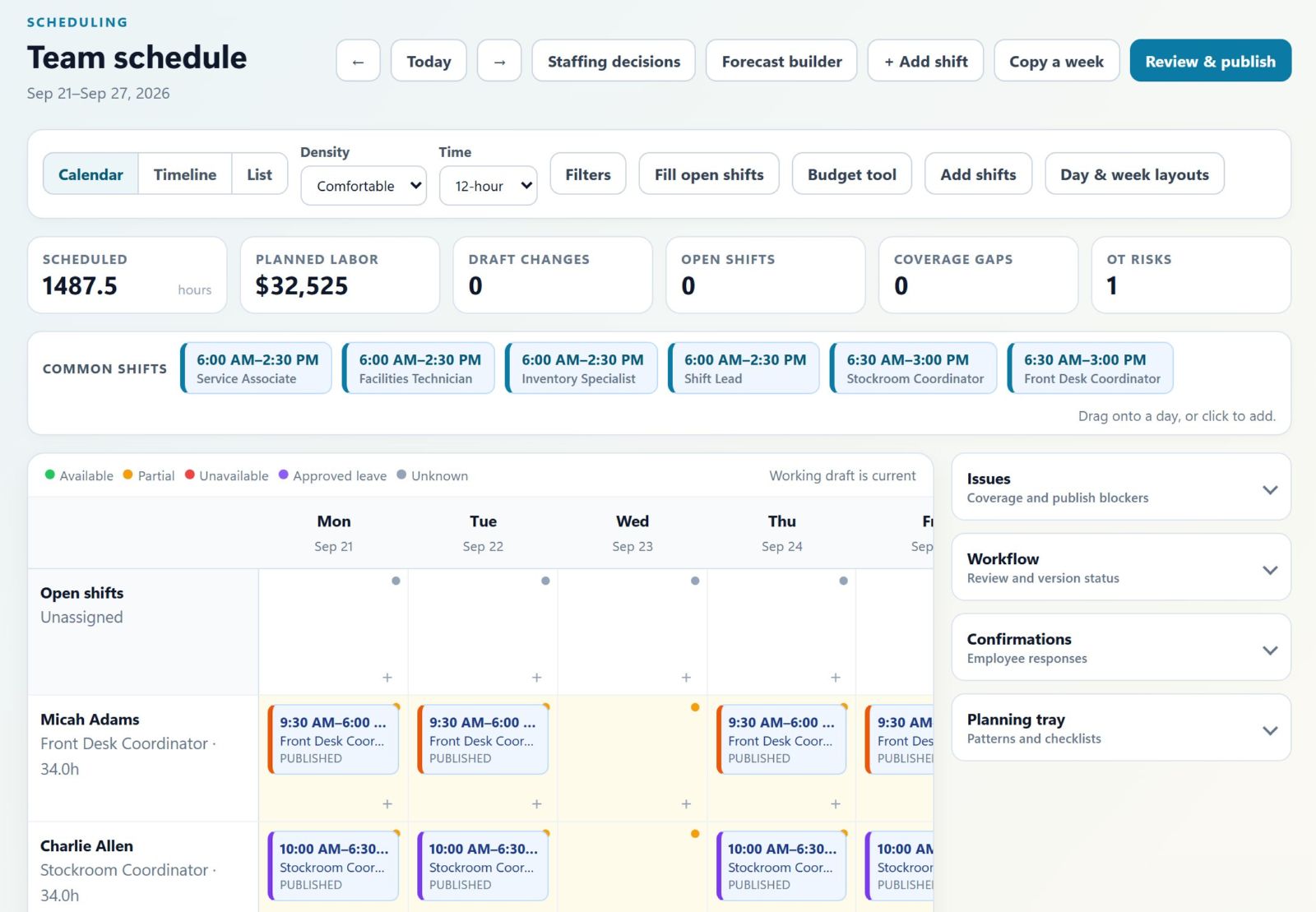
Build and publish one clear weekly schedule

Create shifts, reuse recurring patterns or copied weeks, review coverage requirements, and publish assignments employees can see.

  • Weekly scheduling with recurring shifts and copied weeks
  • Coverage gap visibility from configured requirements
  • Employee self-service access to published shifts
  • Open-shift and callout workflows for later changes
Weekly ScheduleApr 14–20
Employee MonTueWedThuFri
JJ. Rivera 8–4p 8–4p 8–4p 8–4p
!M. Chen 9–5p Open Open
SS. Park 7–3p 7–3p 7–3p 7–3p
KK. Larson 10–6p 10–6p 10–6p 10–6p
PTO & Accruals

Leave management that runs itself

Track accrual balances, handle approval workflows, and enforce policy rules — all without a spreadsheet. Employees see exactly what they've earned and what's been approved.

  • Automatic accrual calculations by policy
  • One-click approval and denial with notes
  • Vacation, sick, and personal balance tracking
  • Carryover rules, caps, and reset schedules
Time Off & AccrualsJ. Rivera
Vacation 18.5 hrs
Accruing 1.5 hrs/week · 25 hr max
Sick Leave 8.0 hrs
Accruing 0.5 hrs/week · 20 hr max
Personal 4.0 hrs
Resets Jan 1 · 8 hr annual
Onboarding Workflows

New hires hit the ground running

Assign onboarding checklists the moment an employee is added. Track completion, set due dates per task, and keep paperwork from falling through the cracks — without manager hand-holding.

  • Checklist templates with due dates per task
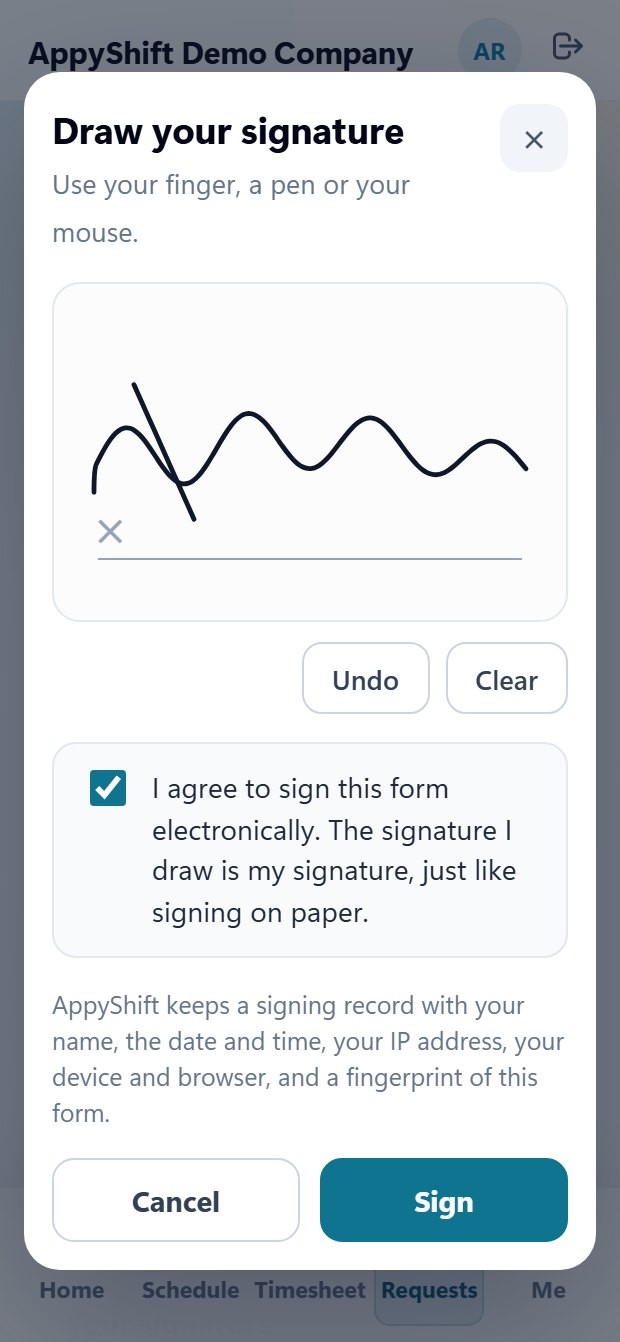
  • Document acknowledgment and e-signature
  • Progress tracking visible to HR and managers
  • New hire self-service completion portal
OnboardingNew hire checklist
A
Alex Johnson
Started Apr 14, 2025
65% done
Review Employee Handbook
Complete I-9 Form
Direct Deposit Setup
Benefits Enrollment Due May 1
Safety Training Video
Manager Introduction Meeting
Document Management

HR docs in one organized place

Upload handbooks, policies, and forms. Set visibility by role, keep employee-facing documents easy to find, and track acknowledgments without chasing paper.

  • Upload and organize HR documents by category
  • Role-based visibility (all staff vs. managers only)
  • Acknowledgment tracking with e-signature
  • Employee portal access for shared policies and forms
Company DocumentsHR & Policies
📄
Employee Handbook 2025
Updated Jan 2025 · All employees
Active
📄
Safety & Emergency Procedures
Updated Mar 2025 · All employees
Active
📄
Benefits & Compensation Guide
Updated Feb 2025 · Managers only
Restricted
Acknowledgments
Employee Handbook 2025
42 of 48 employees have reviewed and signed the latest handbook.
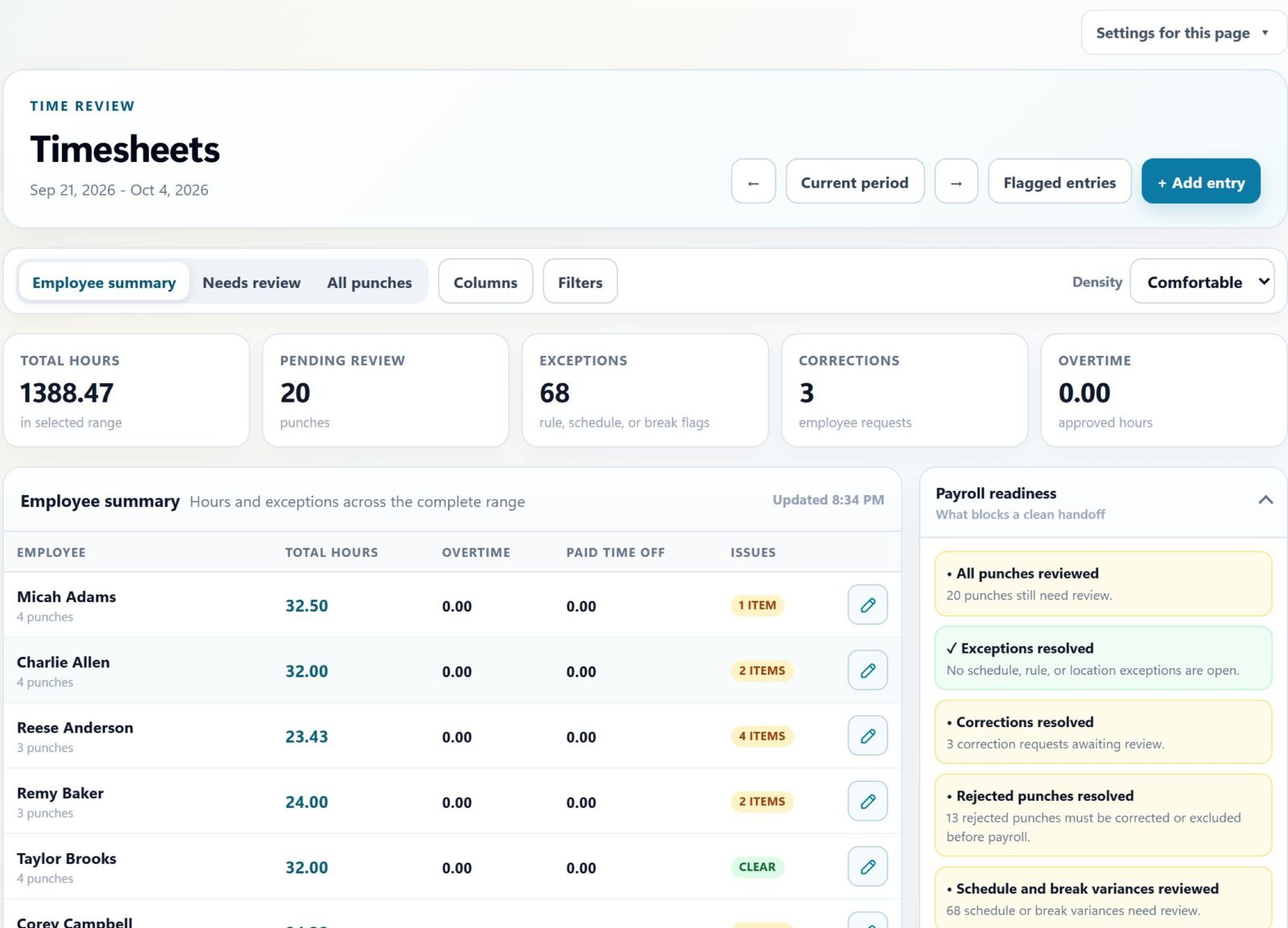
Timesheets

Hours tracked alongside the schedule

Capture punches, flag exceptions, and approve hours — all in the same place as the published schedule. No extra app, no manual reconciliation, no surprises on payroll day.

  • Clock in/out tied directly to scheduled shifts
  • Automatic exception flagging for early/late punches
  • Manager review and one-click approval
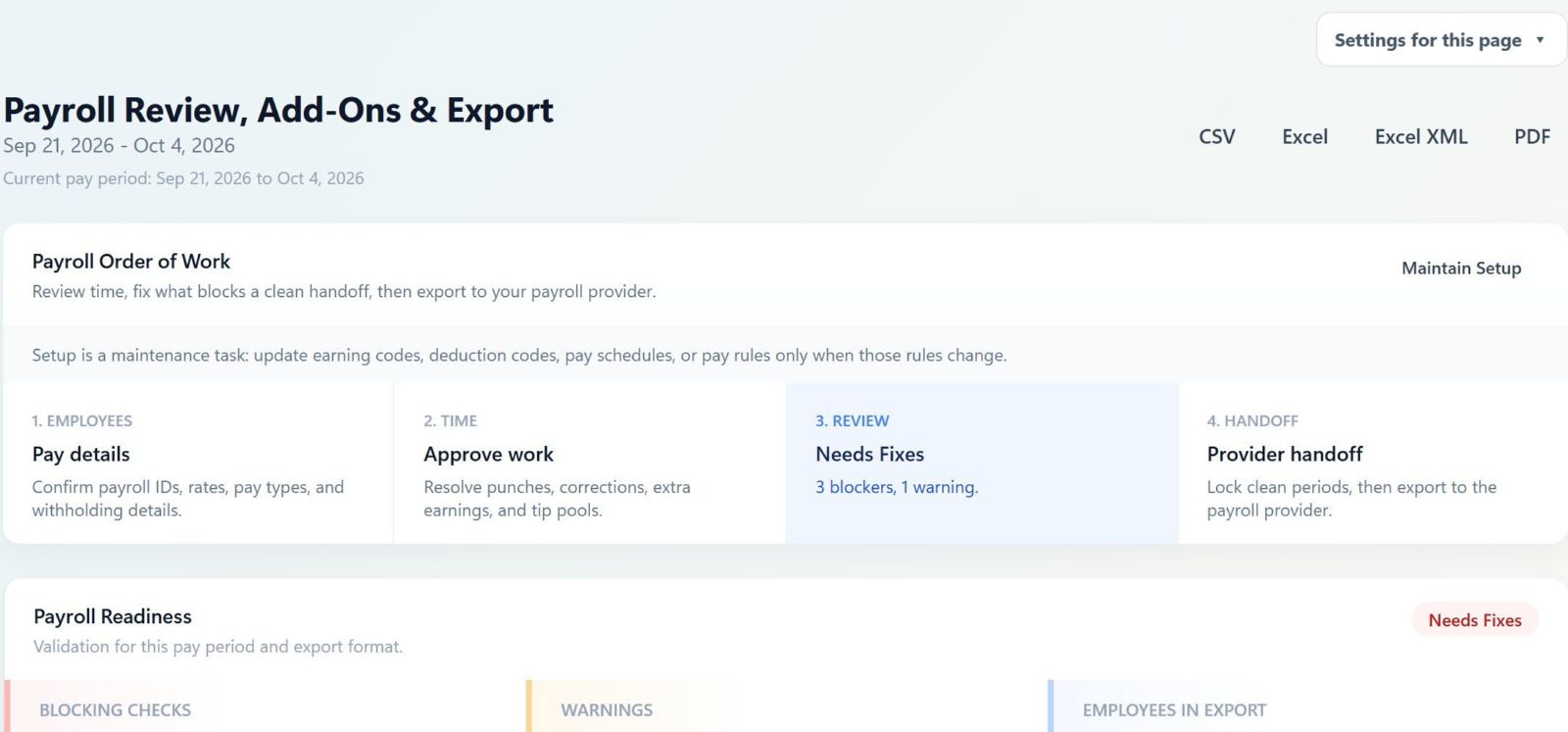
  • Export-ready for payroll processing
TimesheetsWeek of Apr 14
J
J. Rivera
Mon–Fri · 8:00–4:02pm avg
32.1 hrs
Approved
!
S. Park
Wed clock-out missing
21.5 hrs
Exception
K
K. Larson
Tue–Fri · 10:00–6:01pm avg
28.0 hrs
Pending
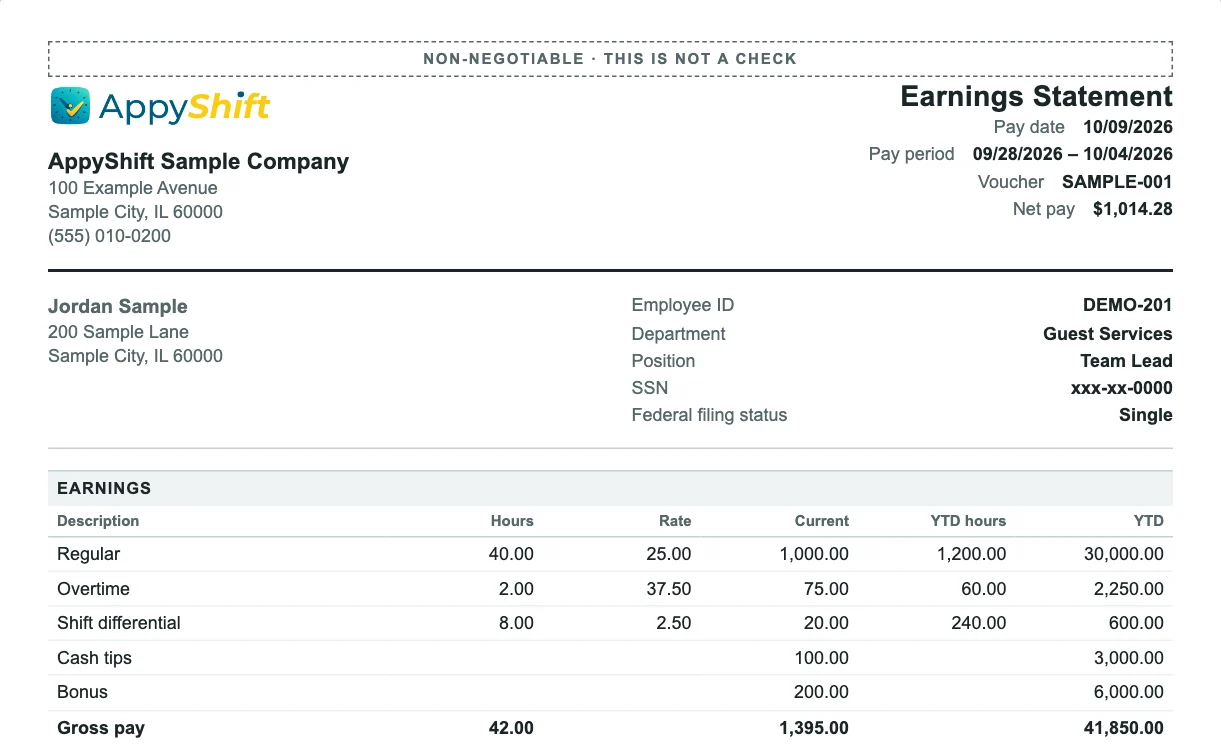
Extra Pay & Tips

Capture extra earnings before payroll closes

Managers can review tips, bonuses, premiums, reimbursements, and other add-ons in the same workflow as timesheets so payroll does not miss one-off earnings.

  • Manager-reviewed tips, bonuses, premiums, and reimbursements
  • Kiosk extra pay prompts with payroll earning codes
  • Tip pool creation and allocation before export
  • Approval workflow keeps add-ons out of payroll until reviewed
Extra Pay ReviewPay period add-ons
$
Tip pool allocation
Cafe team - Friday close
Pending
$
Shift lead bonus
K. Larson - Closing coverage
Approved
$
Meal premium
S. Park - Missed break review
Ready
Common questions

Know what happens before you start

Practical answers for managers considering AppyShift for their team.

How do employees access AppyShift?

Employees use their self-service portal to view assigned shifts and use enabled tools such as call-outs, availability requests, time off, or time-clock actions.

Can managers approve shift pickup requests?

Yes. Managers can require review for qualified pickup requests or choose an available automatic approval policy in the coverage settings.

Can we organize multiple roles or locations?

Yes. AppyShift supports positions and work locations used for schedules, employee assignments, and configured qualification checks.

What happens after I enter my company and work email?

AppyShift takes you to the full signup page with those details already filled in so you can start your free trial.

Pricing

Simple, transparent pricing

Start free, keep the setup light, and scale the platform around the size of your team.

Starter
$29/mo

Billed monthly.

Great for smaller teams that need a polished schedule, clearer callout handling, and an employee portal fast.

  • Up to 30 employees
  • Scheduling and shift management
  • Callout and coverage workflow
  • Mobile time clock and kiosk punches
  • Time off and PTO tracking
  • Employee self-service portal
  • Human support within 48 hours, most replies under 24
Pro
$125/mo

Billed monthly.

For larger teams that need deeper labor controls, stronger reporting, and more room to grow without leaving the platform.

  • Up to 200 employees
  • Everything in Growth
  • Advanced HR workflows
  • Custom labor rules
  • Advanced reports
  • Launch support for larger teams
Enterprise
Custom

Custom annual or monthly contract options.

For larger teams that need custom workflows, integrations, and hands-on rollout support.

  • Unlimited employees
  • Everything in Pro
  • Custom branding and domain
  • Advanced payroll export support
  • Integration support
  • Dedicated onboarding
  • Priority account support

Start your free trial

Enter your company name and work email. We will open the full signup page with those details already filled in.

No credit card required No marketing subscription Open full signup