A guess at tonight's floor
The schedule is a copy of last week, not tonight's sales forecast.
For restaurants, bars, and cafés
A restaurant week starts with the sales forecast, the food-handler and alcohol-server cards you record, a note for the next manager, and cash tips entered with the shift.

The week before AppyShift
The schedule is a copy of last week, not tonight's sales forecast.
Tip pools get rebuilt at the end of the night, then typed into payroll again.
The food-handler card expired and the server is already on the floor.
One week in AppyShift
Each screen is a real AppyShift page from a sample company, showing a tool this industry turns on.
Sales and labor for the week sit on one screen, so the floor matches the night you expect.
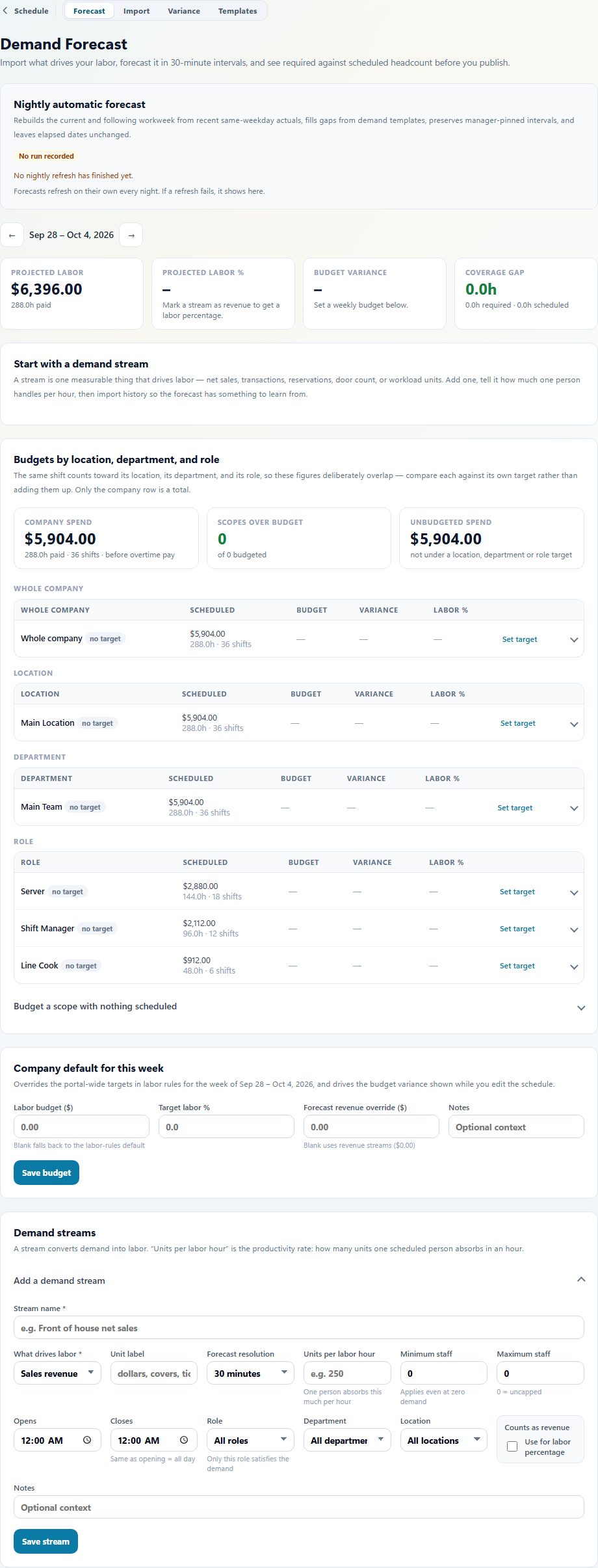
This is the sales forecast from a sample restaurant. Projected labor and sales are on this screen.
A shift can require the food-handler card, or the alcohol-server card, that you keep. A missing or expired card stays off that shift.
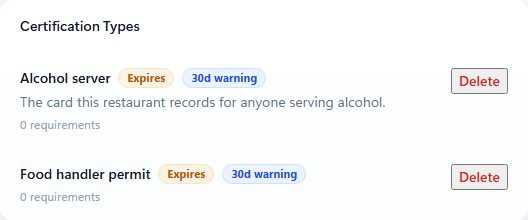
The alcohol-server card and the food-handler card this restaurant records. AppyShift does not confirm either one with the state.
When the salmon special is 86'd, the note is in the log the next manager opens.
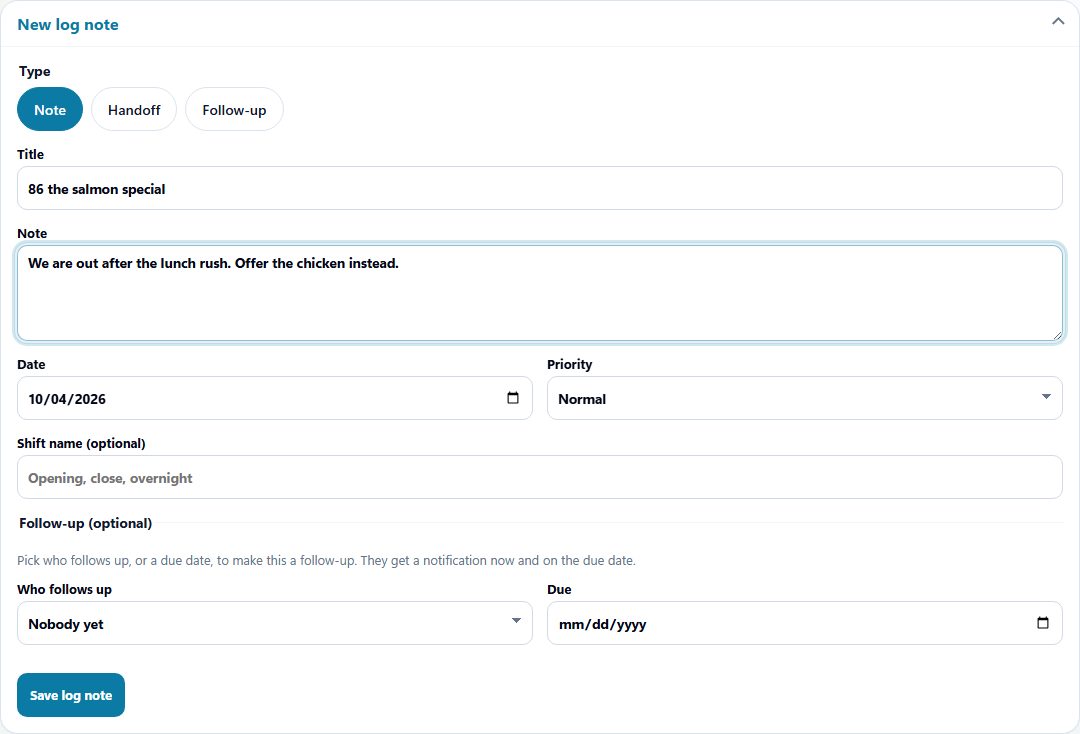
The manager log from a sample restaurant. This note tells the next shift the salmon special is 86'd.
Tips are entered with the person and the shift, then leave with the hours export.
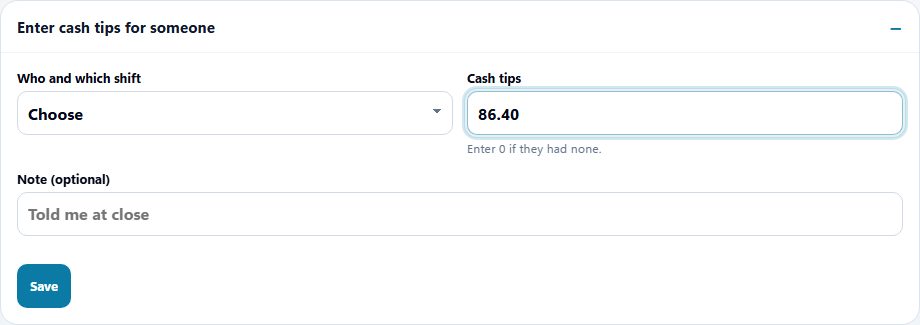
Cash tips are entered here for the shift. They leave with the hours export. AppyShift does not run payroll.
Turned on for this industry
Scheduling, time, messages, and callout coverage are available to every company. These are the extra tools this industry starts with. You can change them in setup.
Plan how many people each shift needs.
The card you record, checked before a shift is offered.
Recorded with the shift and included in the hours export.
Shift notes the next manager can read.
Certification checks use the cards you record, and can keep someone off a shift when a required card is missing or expired. AppyShift does not confirm a license with the state. Approved hours leave in a payroll export (ADP, Gusto, UKG, Paychex, Paycom, Paylocity, or a CSV). AppyShift does not run payroll.
What this setup does, and what it leaves with you.
Yes, when open-shift pickup is enabled. Managers choose whether qualified pickup requests require review or can follow configured automatic approval.
Managers can organize schedules by positions and locations, then use those configured requirements in scheduling and eligible pickup workflows.
Review the scheduling feature and policy guide that support coverage-change handling.
Employees call out from the app or by text. The manager is told, the shift reopens for coworkers who can work it, and the best replacements are ranked by availability, rest and overtime.
Learn more →Drag shifts onto the week with availability, time off, overtime and labor cost in view. AppyShift suggests who fits, checks your labor rules, and tells only the people whose shifts changed.
Learn more →Use the weekly form to record an effective date range, available hours, and shift preferences, then share or export a copy for your manager.
Learn more →Enter each shift and unpaid break to calculate regular hours, overtime hours, decimal totals, and an optional gross-pay estimate. Everything stays in your browser.
Learn more →A different kind of team
Month-to-month self-serve plans. The trial is 14 days, with no credit card.
Start My Free Trial